Introduction
The modern workplace has changed a lot in recent years, and video communication has become a daily part of business life. Teams are no longer sitting in one office; instead, they are spread across different cities and countries. This shift has created a strong need for better conferencing tools that make communication clear and inclusive.
The Jabra PanaCast review focuses on one of the most advanced solutions designed for hybrid meetings. It is built to solve a common problem in video calls: not everyone in the room is visible or clearly captured. This device aims to fix that issue by offering a wide, intelligent view of the entire meeting space.
What is Jabra PanaCast?
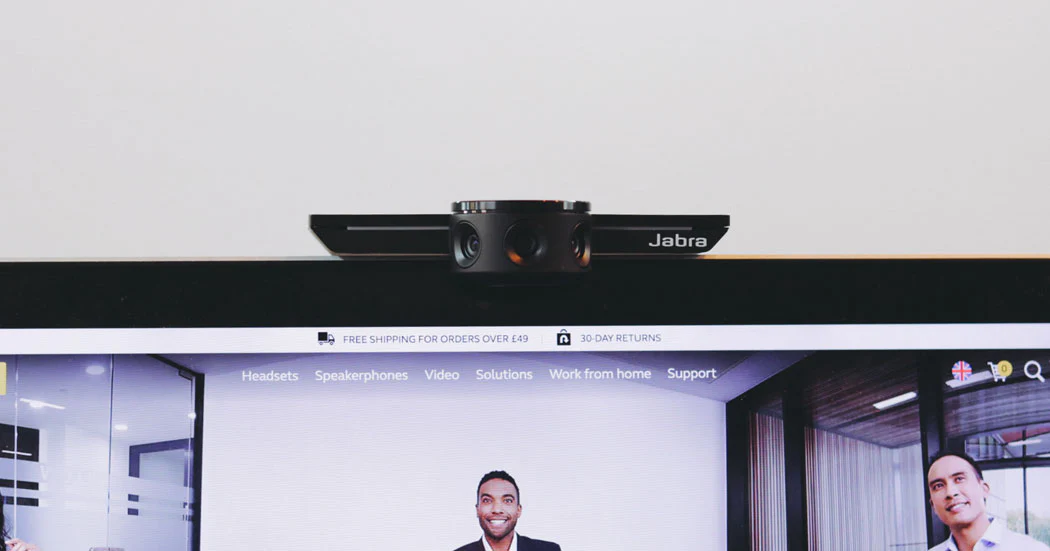
Jabra PanaCast is a professional video conferencing camera system designed for modern meeting rooms. Unlike traditional webcams, it uses a panoramic lens system that captures a full 180-degree view of the room. This allows all participants to be visible at the same time, no matter where they are seated.
In many office setups, normal cameras fail to show people sitting at the edges of a table. The Jabra PanaCast review highlights how this system solves that problem using advanced imaging and smart software stitching technology. It creates a single seamless video feed that feels natural and complete.
Design and Build Quality
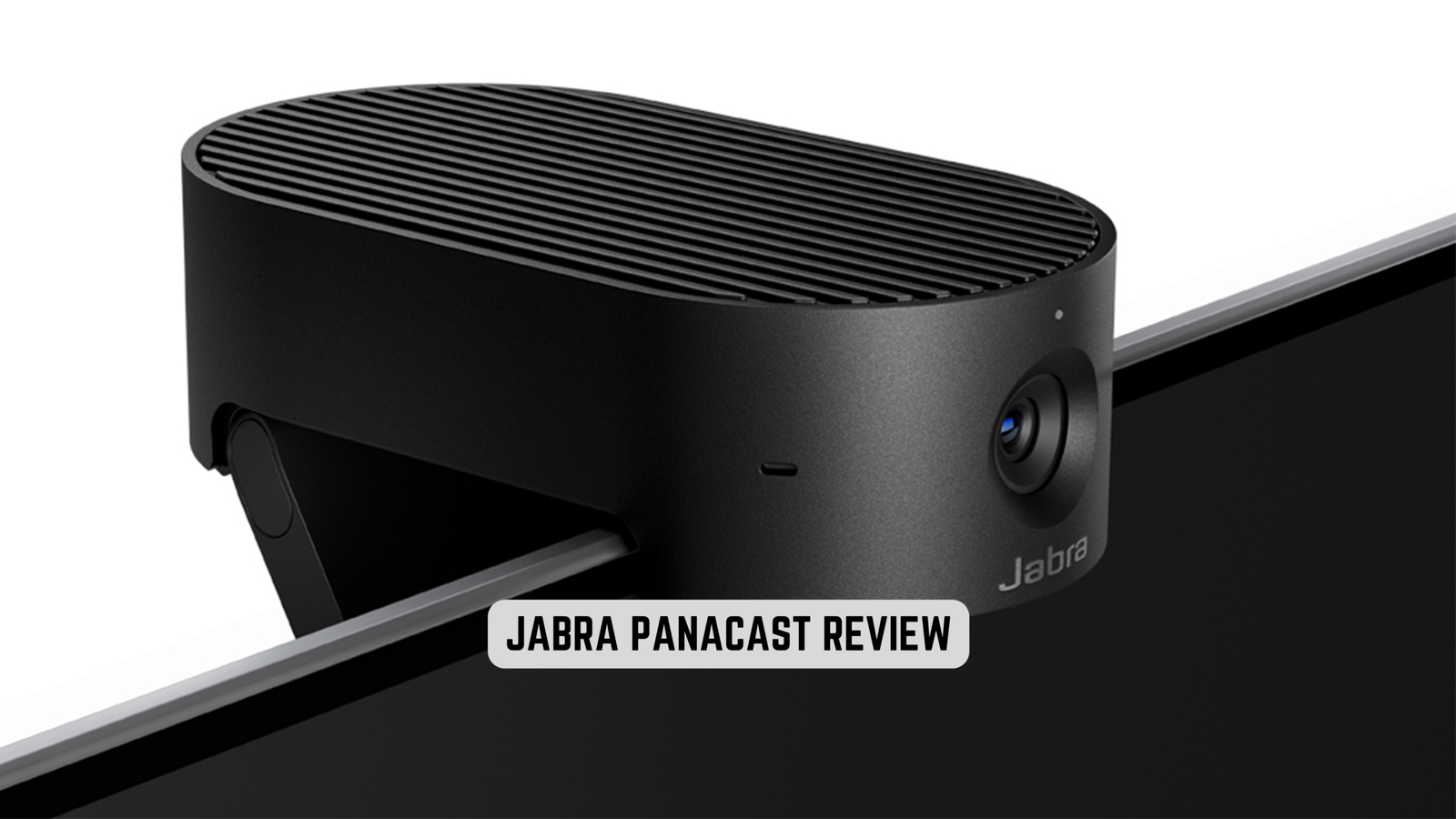
The device has a compact and professional design that fits easily into modern office environments. It is small, lightweight, and can be mounted on a screen or placed above a monitor without taking much space. The design focuses more on functionality and performance rather than decoration.
Even though it looks simple, the build quality is strong and premium. Offices prefer it because it blends into meeting rooms without distraction. In the Jabra PanaCast review, this clean and practical design is often seen as one of its strengths for corporate use.
| Feature | Details |
|---|---|
| Product Name | Jabra PanaCast |
| Type | Video conferencing camera system |
| View Angle | 180° panoramic view |
| Resolution | Up to 4K video |
| Main Use | Business meetings & hybrid work |
| Key Feature | AI auto-framing & room coverage |
| Installation | Plug-and-play USB setup |
| Best For | Offices, meeting rooms, teams |
Camera Technology and Visual Performance
The most important feature of the system is its 180-degree panoramic camera capability. It uses multiple lenses and intelligent software to combine different video inputs into one wide, smooth image. This ensures that no participant is left out of the frame during meetings.
The video output is sharp and detailed, often supporting high-resolution formats suitable for large displays. The Jabra PanaCast review shows that this wide coverage makes it especially useful for boardrooms, training sessions, and collaborative work environments where group visibility matters.
AI Features and Smart Framing
One of the standout features of this system is its built-in artificial intelligence. It automatically adjusts the camera view based on movement and speaking activity in the room. When someone begins talking, the system gently focuses on them without manual control.
This smart behavior improves meeting flow and removes the need for constant camera adjustments. In the Jabra PanaCast review, this AI-driven functionality is often praised because it makes meetings feel more natural and less technical.
Audio Experience and Communication Quality
Along with video, the system also supports built-in microphones designed to capture voices from across the room. These microphones help reduce background noise and improve clarity during conversations.
For small and medium meeting rooms, the audio performance is usually sufficient. However, in larger conference setups, external sound systems may still be required for better coverage. The Jabra PanaCast review notes that while audio is strong, it is primarily optimized to complement video performance.
Ease of Installation and Setup
One of the biggest advantages of this device is how simple it is to install. It follows a plug-and-play approach, meaning users can connect it through USB and start using it immediately with platforms like Zoom, Microsoft Teams, or Google Meet.
There is no complicated setup process or advanced technical configuration needed. This makes it very attractive for businesses that want quick deployment across multiple meeting rooms. The Jabra PanaCast review highlights this ease of use as a major benefit for IT teams.
Real-World Performance in Meetings
In everyday use, the system performs very well in professional environments. Meetings feel more inclusive because everyone in the room is clearly visible on screen. Remote participants are able to understand group discussions better because they can see body language and interaction.
This improves communication quality and reduces misunderstandings during meetings. The Jabra PanaCast review shows that its wide-angle view creates a more connected experience compared to traditional conferencing cameras.
Limitations and Challenges
Despite its advanced features, the system does have some limitations. One of the main concerns is its price, which is higher than standard webcams. This makes it more suitable for businesses rather than personal users.
Another limitation is that lighting plays a big role in performance. Poor lighting conditions can affect video clarity. Additionally, while the audio is good, larger rooms may still need external sound systems for optimal performance.
Even though the Jabra PanaCast review is generally positive, it is important to understand these limitations before investing.
Ideal Use Cases
This system is designed mainly for professional environments. It works best in corporate boardrooms, hybrid offices, training centers, and enterprise-level collaboration spaces. It is not intended for casual home use or basic video calling.
The Jabra PanaCast review clearly shows that its value increases in environments where communication quality directly affects productivity and teamwork.
Comparison with Traditional Cameras
Compared to normal webcams, the difference is significant. Traditional cameras often have a limited field of view, which can leave participants out of the frame. They also require manual adjustments during meetings.
In contrast, this system provides a full-room view automatically and adjusts itself based on activity. This makes communication smoother and more professional. The Jabra PanaCast review consistently highlights this as one of its biggest advantages.
Market Position and Value
In the conferencing technology market, this system is positioned as a premium solution. It competes with other high-end meeting systems but stands out due to its panoramic technology and AI features.
Many companies see it as a long-term investment that improves meeting efficiency and collaboration. Although the upfront cost is higher, the value it provides in professional environments often justifies the investment.
Final Thoughts
In conclusion, the Jabra PanaCast review highlights a powerful and intelligent conferencing solution designed for modern hybrid workplaces. It offers a unique combination of wide-angle video, smart AI features, and easy installation that improves the overall meeting experience.
While it is not necessary for every user, it is extremely valuable for organizations that rely heavily on video communication. It transforms ordinary meetings into more inclusive, engaging, and efficient sessions, making it one of the most advanced tools in its category.
FAQs
Q: What is Jabra PanaCast used for?
A: The Jabra PanaCast review shows it is mainly used for video conferencing, giving a 180° view so all meeting participants are clearly visible.
Q: Does Jabra PanaCast work with Zoom and Teams?
A: Yes, the Jabra PanaCast review confirms it works smoothly with Zoom, Microsoft Teams, Google Meet, and other major platforms.
Q: Is Jabra PanaCast easy to install?
A: Yes, according to the Jabra PanaCast review, it is plug-and-play and can be set up quickly using a simple USB connection.
Q: What makes Jabra PanaCast different from a webcam?
A: The Jabra PanaCast review highlights that it offers a full 180° panoramic view instead of a limited single-angle like normal webcams.
Q: Is Jabra PanaCast good for home use?
A: The Jabra PanaCast review explains it is mainly designed for business meetings, so it is better suited for offices than personal use.